Guide
Codex Cloud: How OpenAI's Cloud Environments Work and When to Use Them
Codex Cloud runs each task in its own cloud VM and hands back a diff to review. What it can reach, and what it can't, is decided by the environment you set up.
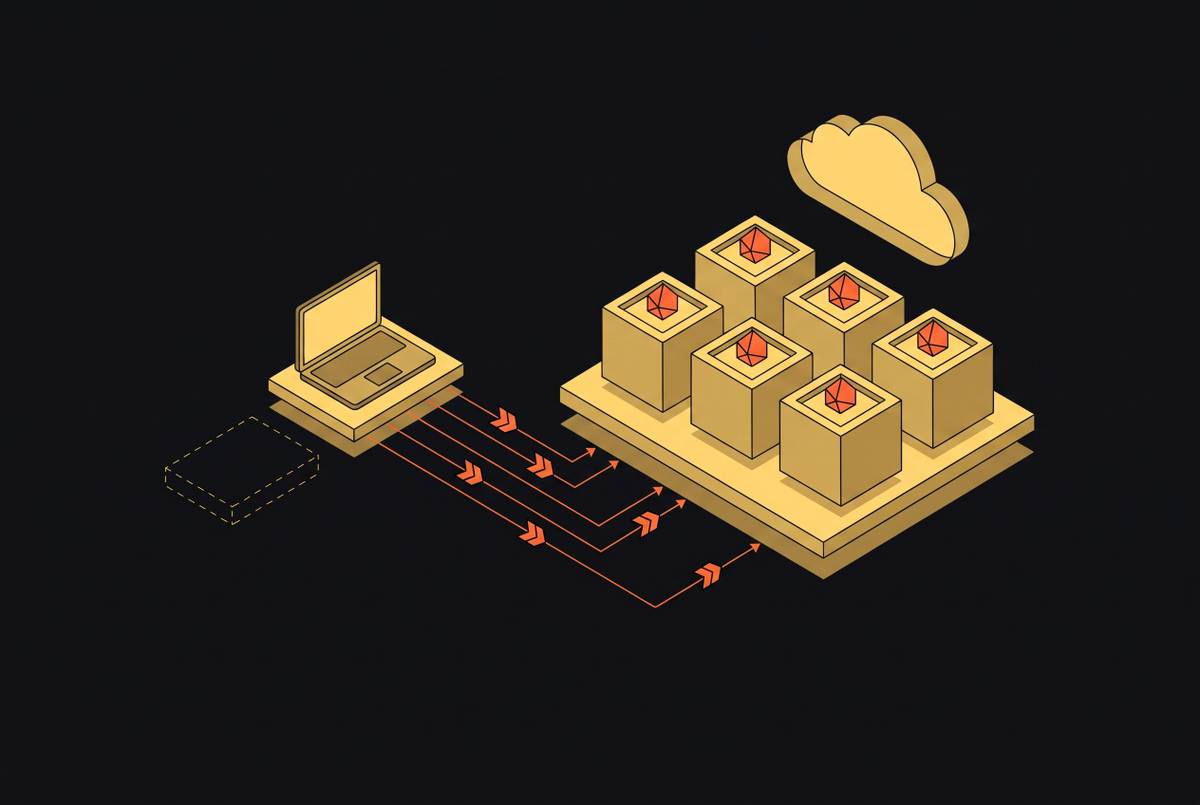
Codex Cloud is OpenAI's hosted way to run the Codex coding agent away from your own machine. You describe a task, Codex works on it in a cloud VM with its own workspace, and you come back to review the changed files and test results, ask for follow-ups, and commit or open a pull request. The task keeps running while your computer is asleep, and you can pick it up again from the web, the desktop app, your phone or the terminal.
Most of what decides whether Codex Cloud works for a team sits in the environment: which repositories it checks out, what gets installed, which hosts it can reach and how credentials get in. This guide covers each of those, the limits, and when another setup fits better. Menu names and behaviour are from OpenAI's Codex documentation as of November 2026. The product has changed several times, so check the Codex Cloud docs before you rely on a detail.
Codex Cloud at a glance
| Question | Answer |
|---|---|
| Where a task runs | Its own workspace in a cloud VM that OpenAI runs |
| Where you start one | ChatGPT on the web or desktop (Work in > Cloud), the mobile app, the Codex CLI, and Slack or Microsoft Teams in Enterprise workspaces |
| Which repositories | GitHub through a connected account, and GitLab.com through a reusable environment. Self-hosted GitHub Enterprise Server isn't supported yet |
| Internet access | Set per environment: all public internet, or package managers and named hosts only |
| Private services | Through a Tailscale VPN connection |
| Cloud accounts | Short-lived credentials through OIDC, for supported AWS, Google Cloud and Azure tools |
| What you get back | Changed files and test results to review, then a commit or pull request when you choose |
| Which agent | Codex only |
The default environment or a published one
Every task starts from an environment. If the default environmentshows in the picker, you can start without choosing a repository, for example to have Codex write and test a script on sample data, and ask it to clone a repository later. In the desktop app, the default environment can use a project's repositories automatically when they are on GitHub.com and your GitHub account is connected; that automatic setup doesn't cover GitLab.
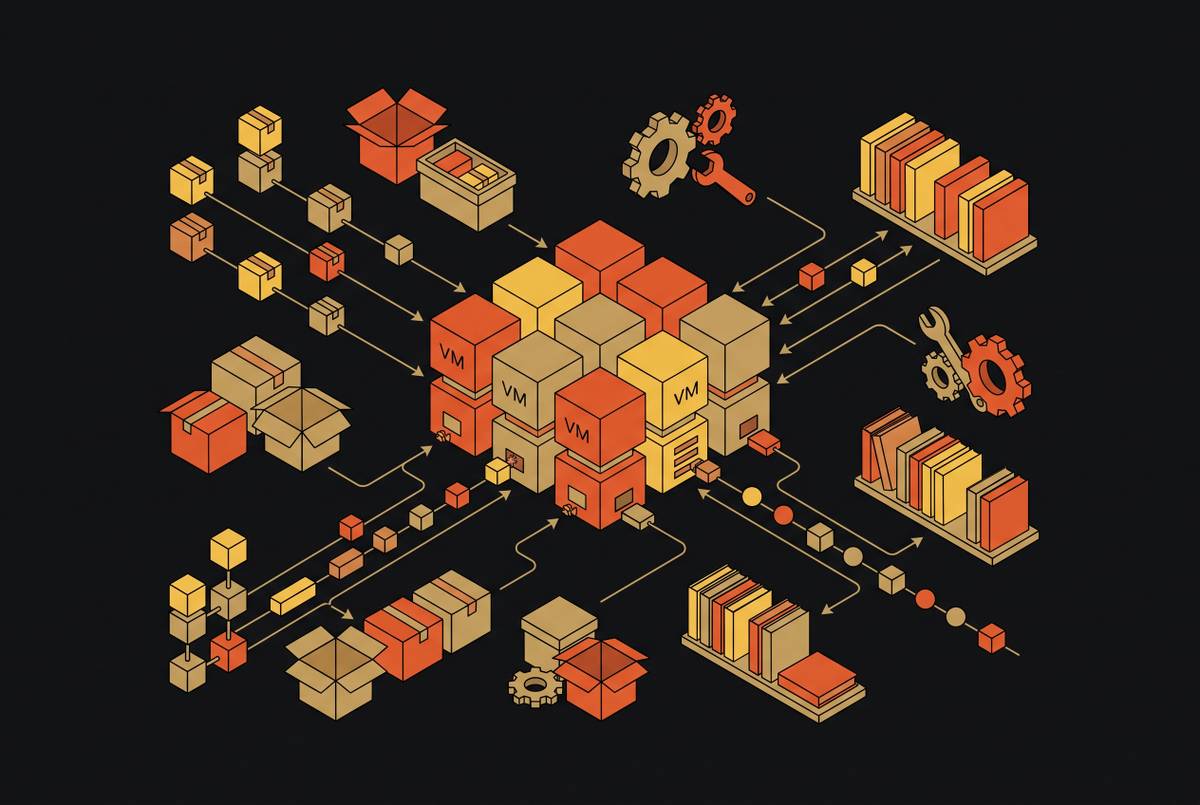
A published environment is a setup you prepare once and reuse: the repositories, dependencies, tools, network rules and secrets your tasks need. Each task started from it gets its own copy of the prepared filesystem, so two tasks never share working files. In Enterprise workspaces you start from a published environment you have access to.
Creating and publishing an environment
You create environments on the web or in the desktop app, not on mobile. In a new task, choose Work in > Cloud, open Select environment and pick Create environment (or go to Settings > Codex Cloud > Environments). Then:
- Choose the repositories to check out, connecting GitHub or GitLab.com if asked.
- Select Get started. Codex inspects the repositories, installs dependencies and tools, and tests the workflow.
- Answer what it asks for: missing access, values it can't infer, or the versions, commands and services you want.
- Review the setup report, configuration and files, then select Publish.
You don't write the setup script yourself. Codex records what it tested in two fields: an install script for dependencies and build assets, and a start skill that starts services and checks they are ready. You refine both by talking to it during setup.
Saving, publishing and saved state
Saving stores the configuration. Publishing captures the prepared filesystem that new tasks start from. A task you return to keeps its own files, including uncommitted changes and anything it installed, and repositories are refreshed in the background without rerunning the install script. To change the setup, choose Edit on the environment, describe the change, let Codex test it and select Republish. Only new tasks pick up the update.
By default a task's saved VM state can be recovered for up to seven days after you last started a turn or resumed it. Saved state is not source control: commit or export anything you need to keep.
Internet access and secrets
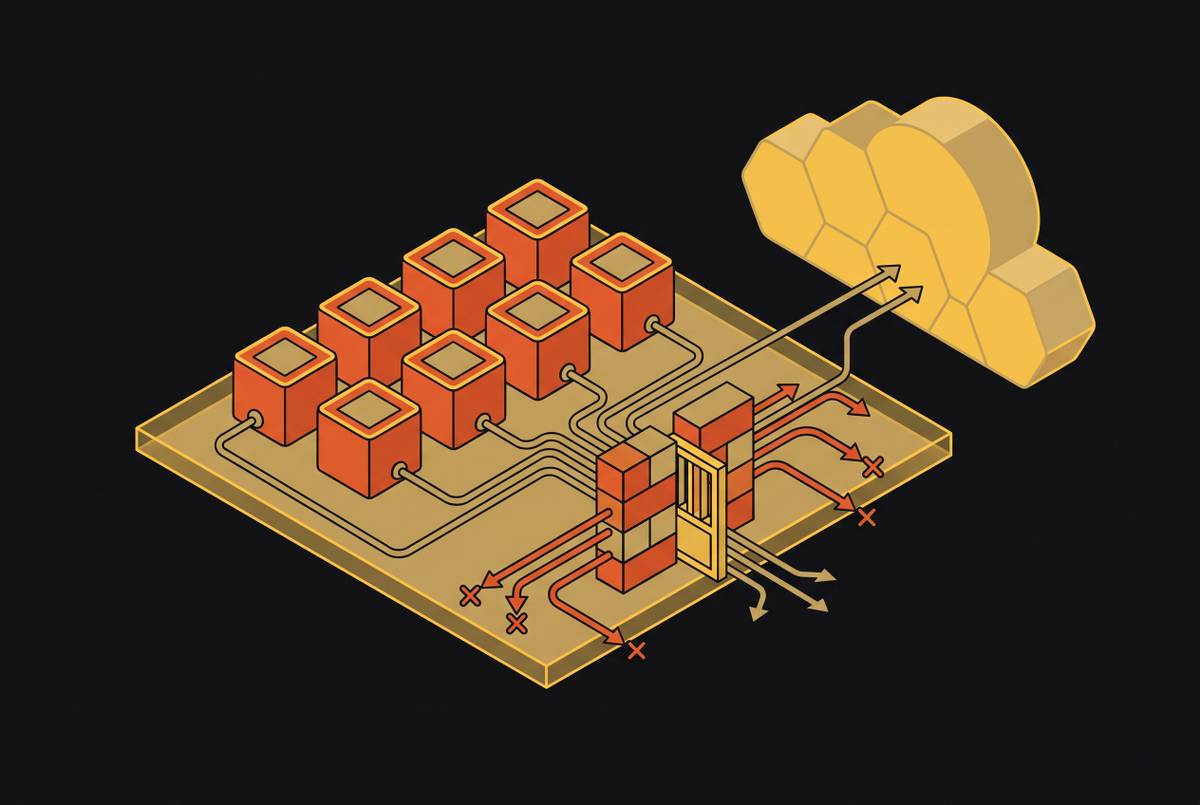
Each environment says which public hosts its VM can reach. Turning on Enable all public internet access opens everything. With it off, the VM reaches only what you allow: the Package managers preset (npm, Yarn, PyPI, crates.io, Go, Maven and Gradle, Ubuntu and Debian repositories, GitHub downloads and others; the docs list every host) and hosts you add under Additional allowed domains. A listed root domain also allows its www host, but any other subdomain needs its own entry, which is the usual reason a private registry download fails.
Values your tasks need come in one of two ways:
| Type | Use it for | What the program sees |
|---|---|---|
| Environment variable | A value a program must read itself, such as an app mode | The real value |
| Network secret | A credential sent to a specific HTTPS service, such as a registry token | A placeholder; the proxy swaps in the real value for allowed domains |
Prefer network secrets wherever a credential only travels to an HTTPS API: the raw value never lands in a process or file the agent can read. Substitution works only on HTTPS port 443, and saving an environment-owned network secret adds its domains to the allowlist. Shared environments can ask each person for their own values, kept in their Personal vault, so sharing a setup doesn't share anyone's credentials.
If a service filters by source IP, OpenAI publishes an agent egress IP feed. Those ranges are shared across customers, so an IP allowlist narrows who can connect but must never replace the service's own authentication.
Private services and cloud accounts
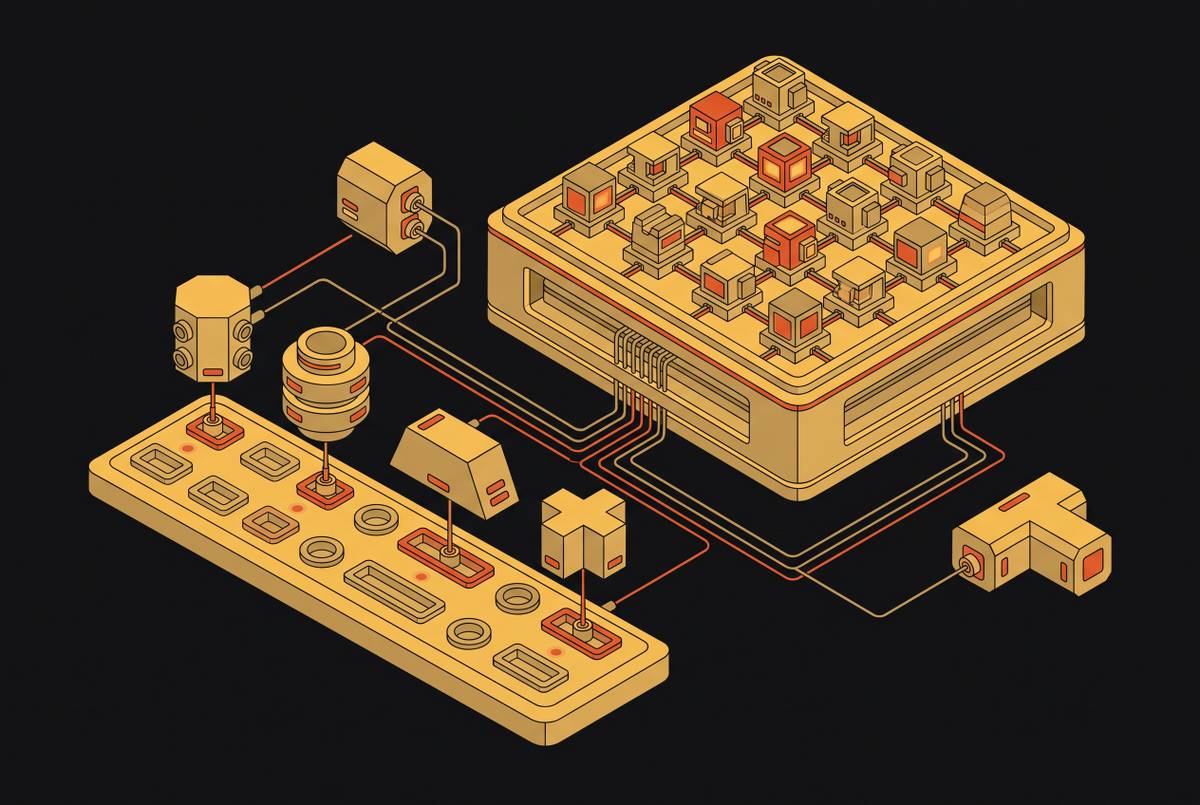
For anything on a private network, Codex Cloud connects the VM through Tailscale, currently the only supported VPN provider. Create the Tailscale auth key as both Reusable and Ephemeralso each new task VM can join and drops off when it goes offline, then control what it reaches with Tailscale routes, split DNS and access rules. Databases, SSH and other TCP services go through the environment's HTTP CONNECT proxy at proxy:8088, and the client supplies its own credentials there. Removing the VPN from a draft doesn't cut existing connections; replace or terminate the environment to revoke access.
For cloud resources, attach an OIDC connection under Advanced > OIDC and the task gets short-lived credentials for an identity your organization trusts and scopes. Coverage is per service: the AWS CLI, S3, ECR, EKS and CodeArtifact are listed as supported, as are gcloud, Cloud Storage, Artifact Registry and GKE, while RDS and Cloud SQL IAM database logins and most Azure services aren't yet. Check the compatibility table in the docs for the operations you need, and allow the provider's endpoints in the network policy too. Our piece on scoped VM credentials for coding agents covers how to size that identity.
VM size by plan
OpenAI's docs list these default resources for each task's VM:
| ChatGPT plan | vCPUs | Memory | Disk |
|---|---|---|---|
| Plus, Edu Plus | 2 | 8 GiB | 8 GiB |
| Pro, Business, Enterprise | 4 | 16 GiB | 32 GiB |
| Edu, Edu Pro | 4 | 16 GiB | 32 GiB |
Larger or custom VMs are available on Enterprise through OpenAI's account team. If your test suite or build needs more than the default, measure it in a task before committing a team to the plan.
Using Codex Cloud from the terminal
The Codex CLI can hand work to the cloud and bring it back:
codex cloudopens a picker of your cloud tasks.codex cloud execsubmits a task to a configured environment.codex cloud listlists recent tasks; add--jsonfor scripts.codex applyapplies a cloud task's latest diff to your local repository and exits non-zero if it doesn't apply cleanly.
These use the CLI's normal sign-in. Check codex cloud --help for the flags your version takes.
Plans and usage
Codex Cloud comes with a ChatGPT plan, not an API key: OpenAI's pricing page lists API-key use of Codex as having no cloud-based features. Local Codex messages and cloud tasks draw on the same plan allowance, and OpenAI notes that cloud tasks may use more of it. Which plans include cloud tasks, and their prices and limits, change often; check Codex pricing and your usage dashboard rather than relying on a figure quoted elsewhere.
Current limits
- Codex only.The environment runs OpenAI's agent. Teams that also use Claude Code, Cursor or OpenCode need a second setup for those; see harness-agnostic agent infrastructure.
- No computer use and no GitHub Enterprise Serverin cloud environments yet; both are on OpenAI's roadmap.
- Personal skills stay local.Skills committed to the repository are available in cloud tasks; ones on your own machine aren't synced.
- Ticket and review integrations sit on the legacy version. Code Review and the Linear and GitHub integrations still run on Codex Cloud (Legacy), which OpenAI plans to deprecate. Check the docs before building a workflow on them.
- Your code runs on OpenAI's infrastructure.Check your plan's data terms and, on Enterprise, the workspace's Agent Security policies before connecting private repositories or services.
When Codex Cloud fits, and when it doesn't
- It fits when your team already works in ChatGPT, uses Codex as its agent, keeps code on GitHub.com or GitLab.com, and wants tasks to keep running off the laptop without operating any infrastructure.
- It fits less well when you want several agents behind one setup, bring your own model accounts, need self-hosted source control, or want control of the VMs themselves. We compare those options in self-hosted runners against managed cloud platforms and dispatching Claude Code or Codex to managed cloud VMs.
- For Claude Code, Anthropic's equivalent is cloud sessions; our Claude Code sandbox guide compares them with containers, VMs and the built-in sandbox.
Before you point Codex Cloud at a team repository
- Publish one environment per repository or service group, and check its setup report.
- Turn off all public internet access, allow package managers, and add only the hosts your build needs; our guide to egress controls for agent VMs explains why.
- Put tokens in network secrets, not environment variables, wherever the API is HTTPS.
- Use OIDC with a narrowly scoped identity instead of long-lived cloud keys.
- Give the Tailscale key only the routes and access rules the tasks need.
- Share the environment with the workspace only after reviewing its files and secrets.
- Review every diff before you commit or open the pull request.