Pre-Loading Agent VMs With Team Dependencies and Tooling
Pre-loading VMs with dependencies saves agents from rebuilding environments on every task.
Most agent platforms just hand you a booted virtual machine and call it done. The agent lands at a bare shell prompt, so the first minutes of every run go to installing packages, pulling down language runtimes, and configuring build tools before it writes a line of code that matters to the task. You pay that setup tax repeatedly, on every task, because nothing about the environment persists between runs. If an agent cannot install its dependencies, run the test suite, open a browser, or send back a screenshot of its own work, it is producing a demo rather than doing engineering, and the distinction between those two outcomes starts well before the model generates its first token: it starts with what the VM already contains the moment the agent arrives. What matters is what environment the agent runs in, because the environment determines how much of the agent's working time goes to the task versus to rebuilding, from scratch, a machine a human engineer would never have to rebuild.
Why containers are not enough for real development environments
The obvious fix, reaching for a container, fails for a structural reason that has nothing to do with container quality. Most legitimate development environments already run Docker themselves, to spin up databases, queues, and service dependencies locally, and you cannot cleanly run Docker inside Docker. The moment a setup becomes even slightly real, the agent needs to install system packages, start a local database, or launch a dev server, containers stop being sufficient for the job.
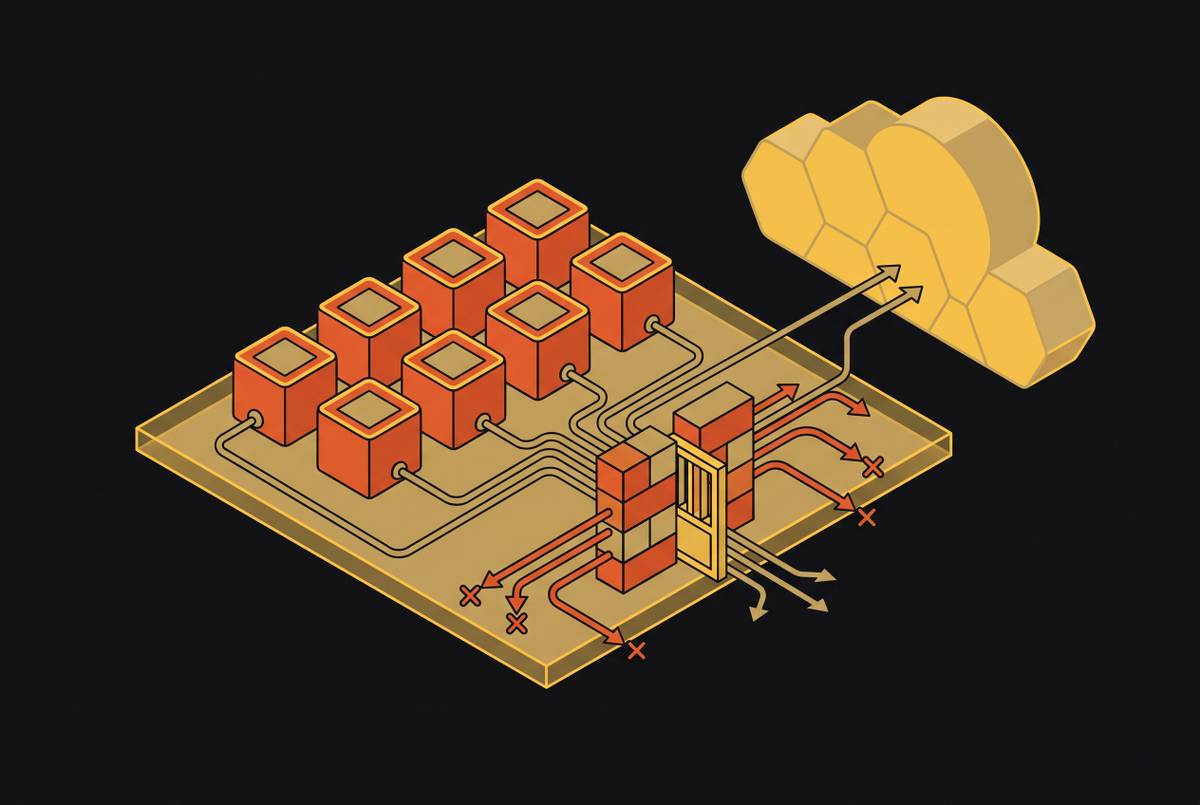
There's a security dimension to this as well. Firecracker microVMs solve this by giving each workload its own Linux kernel, removing the shared-kernel surface between tenants. That isolation model is the right baseline for any production deployment handling proprietary code, where one compromised agent session should never be able to see another's.
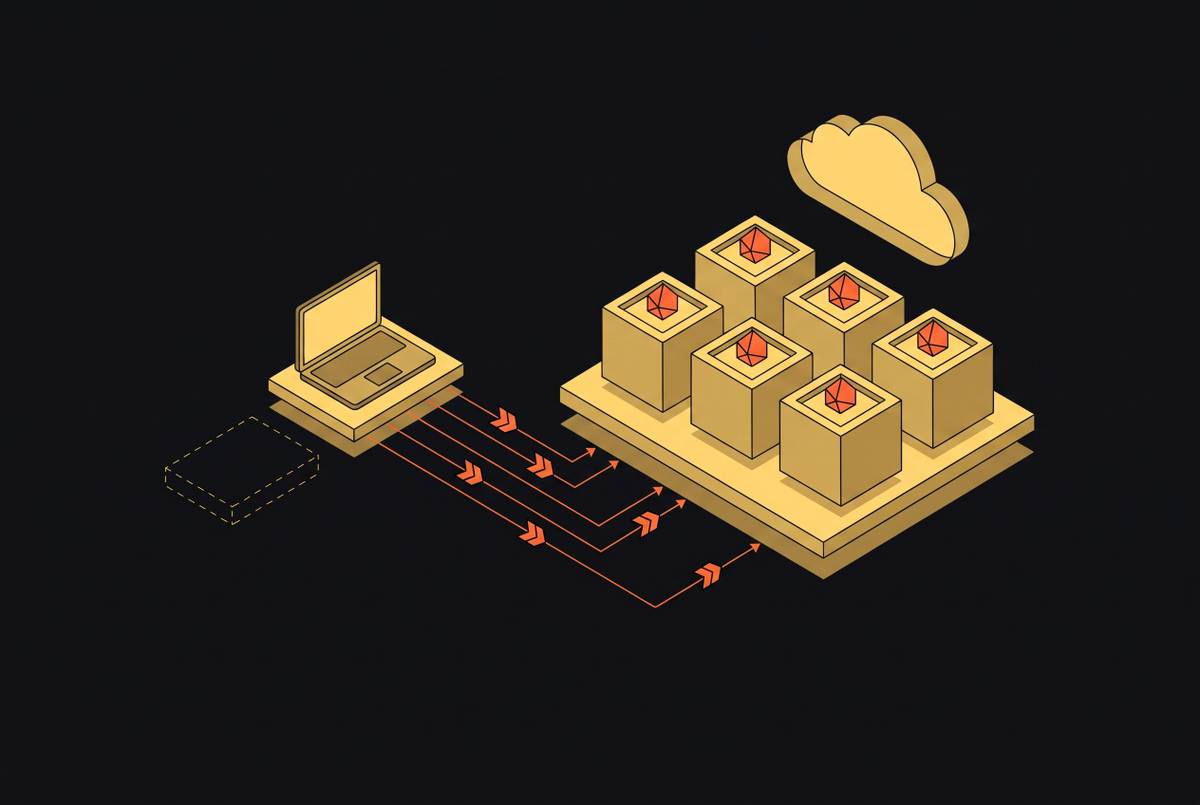
A more mundane cause produces both failures: cloud agent deployments fail because the environment itself is not persistent, and that happens even before security becomes a concern. The fix is a full virtual machine with persistent state that snapshots on stop and restores on resume: a real computer in the cloud that boots the team's own image, dependencies and tools already baked in, every time.
The three layers a VM environment must cover
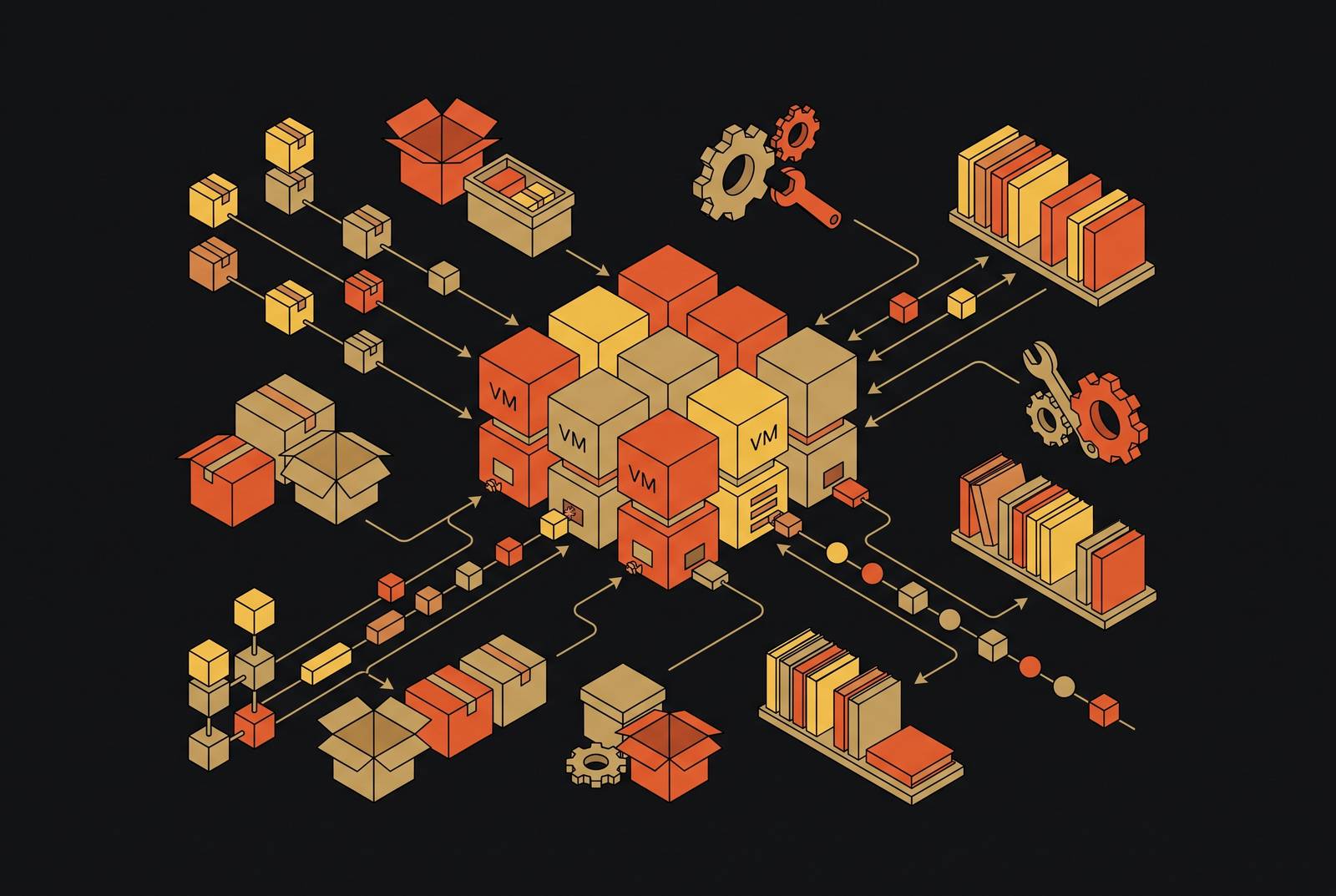
A pre-loaded agent VM is not simply a VM with a language runtime installed on it. It covers three distinct layers, and if any one of them is missing, an agent's work can silently break, often in ways that look like a model failure rather than an environment failure.
The first layer is system-level dependencies: compilers, runtimes, native libraries, the kind of thing a developer cannot install in a few seconds and that varies invisibly between machines. The third layer is running services: dev servers, test watchers, databases, anything long-running the agent needs to find already active in a shared session, not merely installed on disk but genuinely running.
That third layer is where many environments quietly fail. One illustrative pattern for solving this is a named terminals configuration, where an environment definition specifies persistent processes, a dev server, a test watcher, that start automatically in a shared session the moment the machine boots. The exact mechanism varies by platform, but the principle holds everywhere: running services belong in the environment definition, not in the agent's task list.
Snapshot-based bootstrapping: how the pre-loaded state is saved and restored
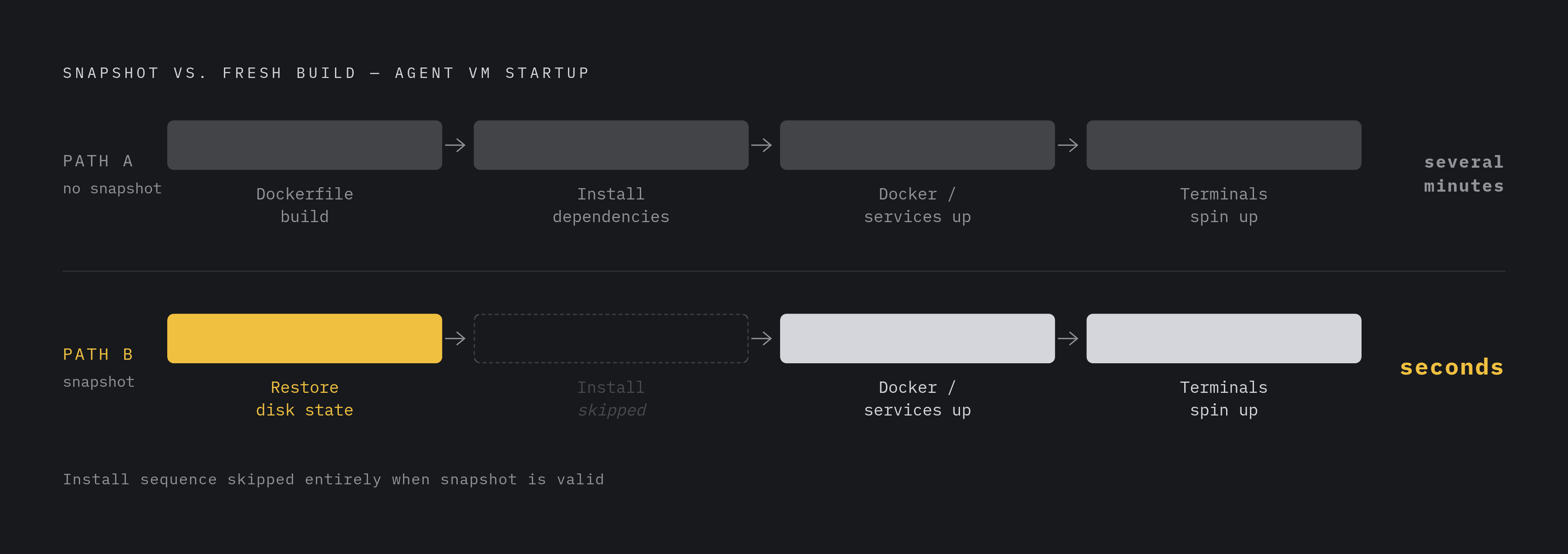
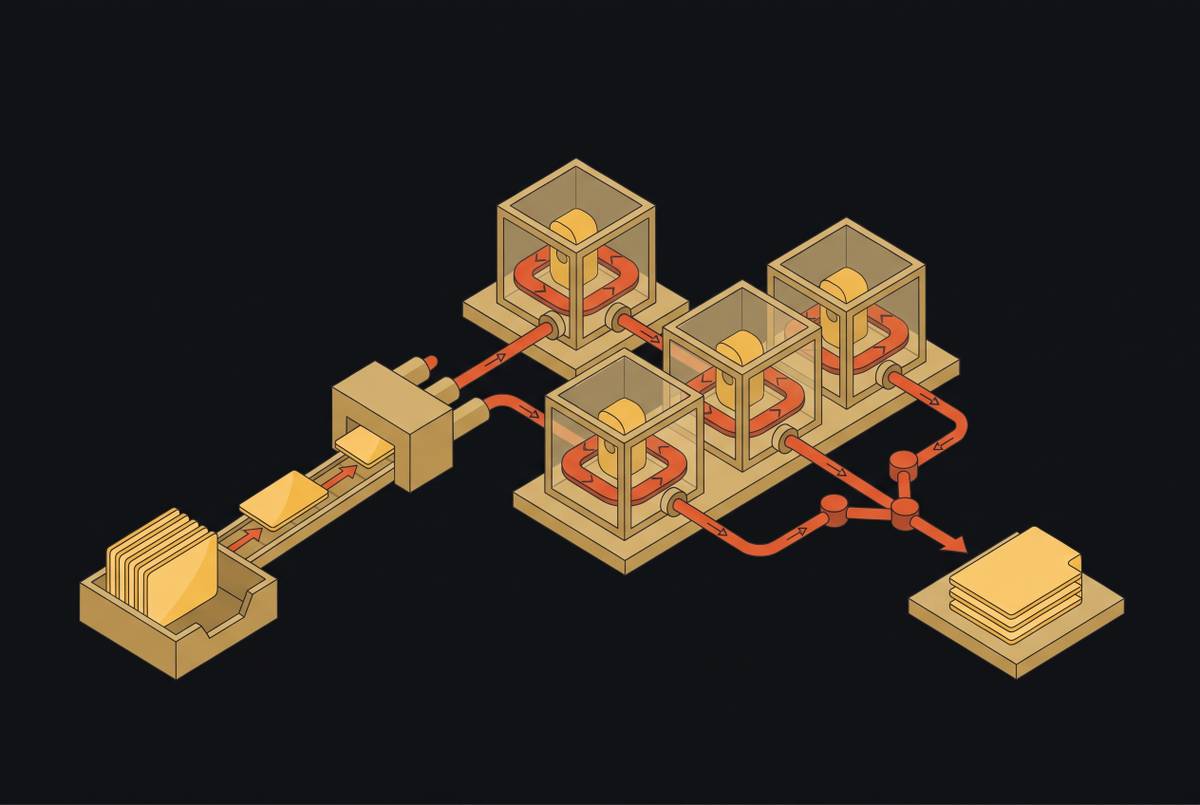
Snapshot-based bootstrapping is the infrastructure decision that takes a one-time environment setup and makes it reusable across every future run. Once an agent completes environment setup successfully, you save the VM state. Future agents boot from that snapshot instead of repeating the full install sequence from the start, so if a valid snapshot exists at boot time, you get a cold start measured in seconds; if it doesn't, you get a dependency installation measured in several minutes.
The startup sequence from a snapshot follows a specific, deterministic order. First, the snapshot restores, or if none exists yet, the environment builds fresh from a Dockerfile. Fourth, the configured terminal processes spin up as persistent, long-running sessions.
The order matters because of what does and does not survive a snapshot restore. Disk state persists. Running processes do not. Teams that skip this constraint end up debugging environment drift that has nothing to do with the task the agent was given.
Two paths to defining the environment: agent-driven setup vs. Dockerfile configuration
Two distinct paths lead to a pre-loaded environment, and the right one depends on whether a team wants declarative infrastructure it can inspect, or wants the agent to work out the setup on its own first.
Agent-driven setup points the agent at a repository, supplies the necessary secrets, and lets the agent work out for itself how to install dependencies and run the project, the way a new engineer would explore an unfamiliar codebase. Once that exploration succeeds, the resulting state gets saved as a snapshot for reuse on every future run. Agent-driven setup works best as exploration, a useful first pass, but a team should not depend on it as production infrastructure long-term.
Dockerfile-based configuration takes the opposite approach. A Dockerfile handles system-level dependencies only, compilers, runtimes, native libraries, paired with an install command for project-level dependencies and a defined set of terminal processes that run on every boot. One illustrative structure for this pattern uses an environment.json file that references the Dockerfile and specifies the terminal processes directly. A critical constraint applies here regardless of the specific implementation: the Dockerfile should never COPY the full project into the image. The platform manages the workspace and checks out the correct commit on its own; the Dockerfile's job is the system layer only. Done this way, the environment definition becomes reproducible and version-controlled, so the whole team can inspect and update it through a pull request, the standard a team running agents in production should hold itself to.
A third variant is emerging that treats environment definition as a higher-level, conversational act. In this model, the cloud environment itself becomes a versioned, publishable object, bundling the repository, dependencies, tools, and access settings into something tasks reuse directly. The environment gets created by describing it, with the platform inspecting the repository, installing dependencies, testing the workflow, and recording the steps as an Install script and a Start skill before the environment is published for use. It is a different interface onto the same underlying problem: capturing a working setup once so it doesn't need to be rediscovered on every task.
Secrets injection: how credentials reach the agent without leaking into the image or the repository
Pre-loading dependencies only handles dependencies; credentials are a separate failure mode. Credentials are the other problem: the two naive solutions, baking secrets directly into the image or committing a .env file to the repository, each create a different class of production failure: one leaks credentials to anyone with image access, the other leaks them to anyone with repository access.
The right pattern injects secrets at runtime as environment variables, encrypted at rest with a key management service, and you never store them in the image or the snapshot. At team scale, scoping becomes its own design problem. If a monorepo team names credentials clearly, something like NEXTJS_DATABASE_URL alongside CONVEX_API_KEY, each one routes to the service that needs it without exposing it to unrelated agents working in the same repository.
Redaction deserves attention as a distinct capability from encryption. A secret marked as redacted cannot be read back by the agent at all, which closes off the possibility of an agent accidentally committing an API key to source control even if it tries to echo the value into a file. Snapshots can technically include a .env.local file with live values baked in, but KMS-encrypted runtime injection remains the recommended approach, because a snapshot containing a .env.local is a snapshot containing live credentials, and that changes its handling and rotation requirements entirely: every copy of that snapshot now needs the same rotation discipline as a production secrets store.
Persistent processes and the running-services layer that agents expect to find
An agent that boots into a VM where the dev server, test watcher, and database are already running occupies a fundamentally different position from one that has to start each of those processes itself: it can run its first test immediately, observe the result, and begin iterating right away, and the verification loop closes that much faster.
The mechanism is a set of named terminal processes that start automatically on every boot and run inside a shared session, one that both the agent and any human reviewer can attach to and observe the same output from. A typical configuration might name a dev-server process and a test-watcher process alongside whatever background service the agent needs to query during its work. The shared-session model carries a practical benefit beyond convenience: a human can check in on what the agent is doing mid-task without interrupting it, which matters for any long-running autonomous work where a reviewer wants visibility without having to pause the agent to get it.
None of this works if the ordering is left to chance. The start command that launches these processes runs after the install command completes and after services like Docker are already up. That ordering is part of the environment definition itself, not something the agent is expected to infer or assume on its own.
How the major agent platforms handle pre-loading today
The platforms running cloud coding agents today make different choices about how much of this pre-loading they provide out of the box versus how much they leave for a team to configure, and those choices have direct consequences for how quickly an agent gets to useful work.
Claude Code on the web, from Anthropic, runs each cloud session in a fresh Ubuntu VM pre-loaded with the connected GitHub repository, common toolchains, Docker, PostgreSQL 16, and Redis 7, with PostgreSQL and Redis arriving installed but not running by default. The team cannot open a shell directly in the VM, and Anthropic reclaims the session once it sits idle.
Codex Cloud, from OpenAI, treats the environment as a versioned, publishable object: Codex inspects the repository, installs dependencies, and tests the workflow before the environment is published, and a new task then starts from that published environment's already-prepared filesystem.
Maintaining pre-loaded environments as dependencies drift
If nobody updates a pre-loaded VM, it turns into a liability. The toolchain the snapshot captured at the moment it was built diverges from what the project actually needs, and agents begin failing in ways that look, on the surface, like model problems, but are in fact environment problems wearing a model problem's clothing.
Three triggers tend to force an environment update, and they are ranked here by how often each one occurs. Toolchain upgrades, a new language runtime version, a new build tool, a changed compiler flag, round out the list.
The practical answer treats the environment definition itself, the Dockerfile, the install script, the list of terminal processes, as code. It lives in the repository, it changes through a pull request like any other change, and rebuilding the snapshot becomes a CI step that triggers automatically whenever a merge to main touches the environment definition files. The idempotency requirement on the install command established earlier is what makes this safe to automate: re-running the install step against a disk that's already partially set up should produce a correct result. Caching strategies at the setup-script layer help reduce the cost of frequent refreshes, Claude Code, for instance, caches a setup script's output only when it finishes within roughly five minutes, but caching does not substitute for an explicit snapshot rebuild once the environment definition changes substantially.
Parallel agent runs and the copy-on-write pattern for fan-out workloads
Once a team has a reliable, pre-loaded snapshot, the next question is how you run many agents against it at once without each one repeating its own environment setup. The copy-on-write fork pattern is the answer.
A running environment can be forked copy-on-write, so that every parallel agent run starts from the same warm, fully provisioned state, with each agent's writes isolated to its own copy and no shared mutable state between concurrent tasks.
Computer use as the verification layer that closes the agent's work loop
A pre-loaded VM with a full desktop environment unlocks a capability that changes what "done" actually means for a coding agent. The agent can start a dev server, open a browser, navigate to localhost, click through the relevant UI flow, verify the behavior with its own eyes rather than inferring correctness from code alone, and fix whatever it finds broken, all before a pull request ever goes out.
This capability exists only because the VM is running a full operating system with a desktop environment, not a container and not a headless shell. Everything argued for earlier in this piece, the full VM over the container, the three pre-loaded layers, the persistent terminal session, converges here: it is what makes visual verification possible at all, and visual verification is what separates an agent's output that merges cleanly from one that merely looks plausible on a diff.
A production-ready pre-loaded agent environment end to end
A production-ready pre-loaded agent VM environment comes down to a specific set of decisions, each argued for above, and you can check your own setup against them here, assembled as a single reference.
The observability layer ties every agent run back to the source, the harness, the model, and the credential that produced it. An environment nobody can attribute output to is an environment nobody can improve, and that single requirement is what turns a pre-loaded VM from a convenience into infrastructure a team can actually trust at scale.