Guide
Claude Code Sandbox: Every Way to Run Claude Code in Isolation
The built-in /sandbox fences in shell commands. Unattended runs need a boundary around the whole process. Here is how each option works and which one fits.
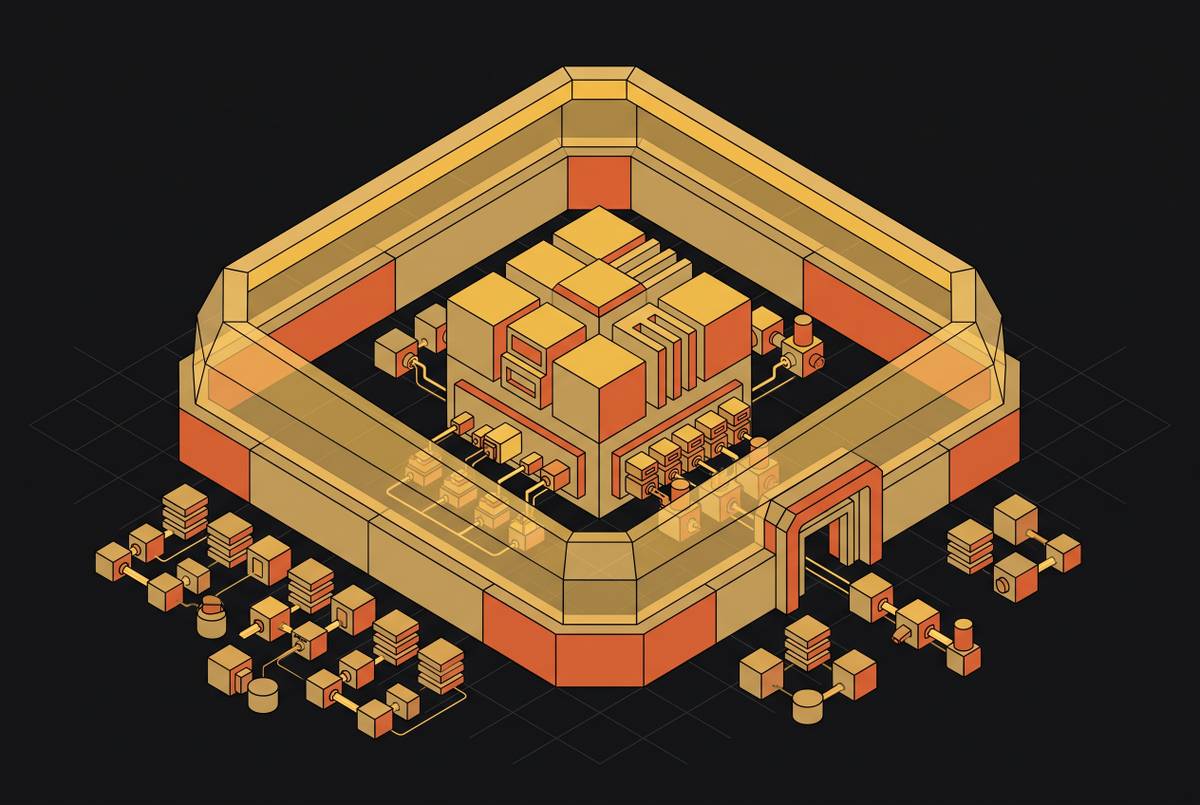
“Claude Code sandbox” means two different things. One is the sandbox built into Claude Code, switched on with the /sandboxcommand, which puts an operating-system boundary around the shell commands Claude runs. The other is running the whole Claude Code process somewhere isolated: Anthropic's sandbox runtime, a dev container, your own container, a virtual machine or a cloud session. The first cuts down permission prompts on your own machine. Only the second is a safe place to leave an agent running unattended.
This guide covers what each option isolates, what it leaves outside, and which one fits the job. Setting names and behaviour are from Anthropic's Claude Code documentation as of November 2026; they change between releases, so check the sandboxing docs for the version you run.
The options at a glance
| Approach | What is inside the boundary | Needs Docker | Fits when |
|---|---|---|---|
Built-in sandbox (/sandbox) | Bash, PowerShell and Monitor commands and the processes they start | No | You work at your own machine and want fewer prompts |
Sandbox runtime (srt claude) | The whole Claude Code process: file tools, MCP servers, hooks | No | You want everything fenced in without containers |
| Dev container | A full development environment | Yes | A team wants one standard, firewalled setup in the repo |
| Custom container | A full development environment | Yes | You already run container infrastructure or CI runners |
| Virtual machine | A full operating system with its own kernel | No | Policy requires kernel-level separation from the host |
| Cloud session | A full operating system in a VM Anthropic hosts | No | You want VM isolation without running the infrastructure |
The built-in sandbox: what /sandbox does
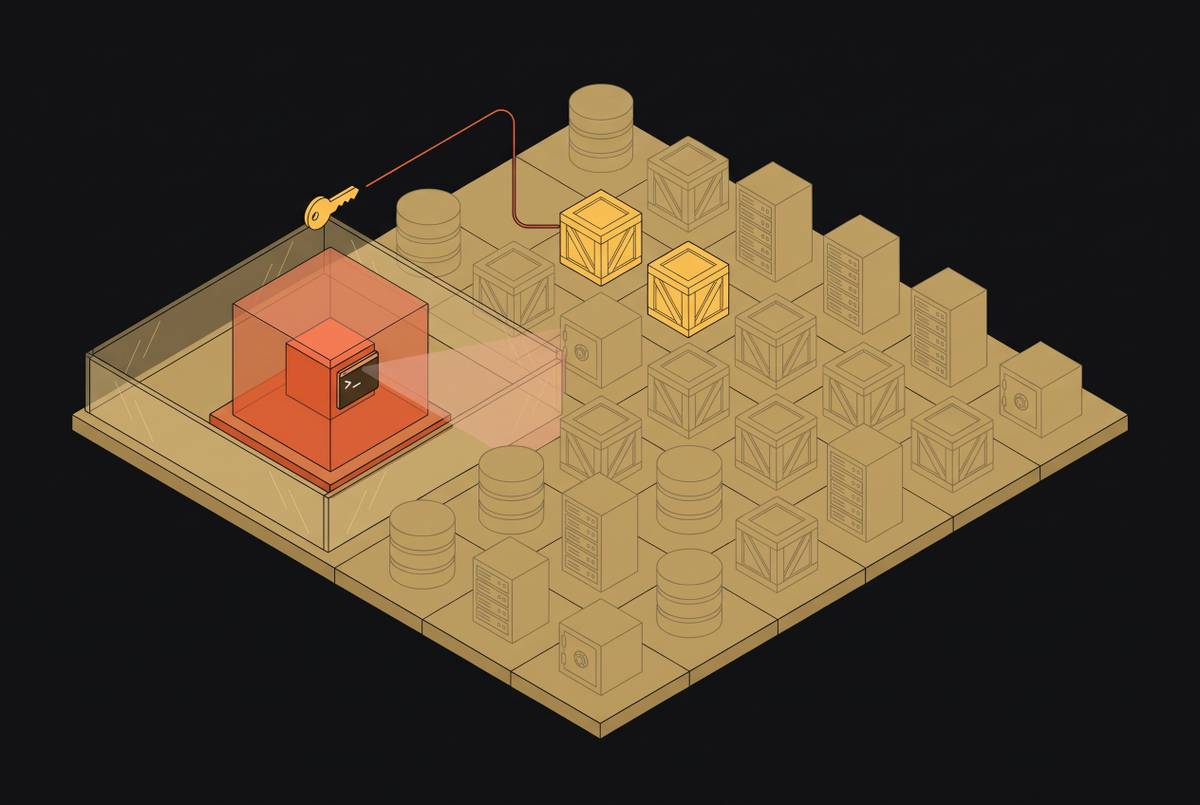
The built-in sandbox is off by default. Run /sandbox in a session to open its panel, or set sandbox.enabled to true in a settings file such as ~/.claude/settings.json. Choosing a mode in the panel saves it to the project's .claude/settings.local.json; to turn it on for every project, put it in your user settings instead.
Once it is on, a command Claude runs gets this boundary by default:
- Writes: the working directory, a per-user temp directory and any directories you added with
--add-dir. Claude Code's own settings, hooks and.mcp.jsonstay write-protected even inside those directories. - Reads: most of the machine, including credential files such as
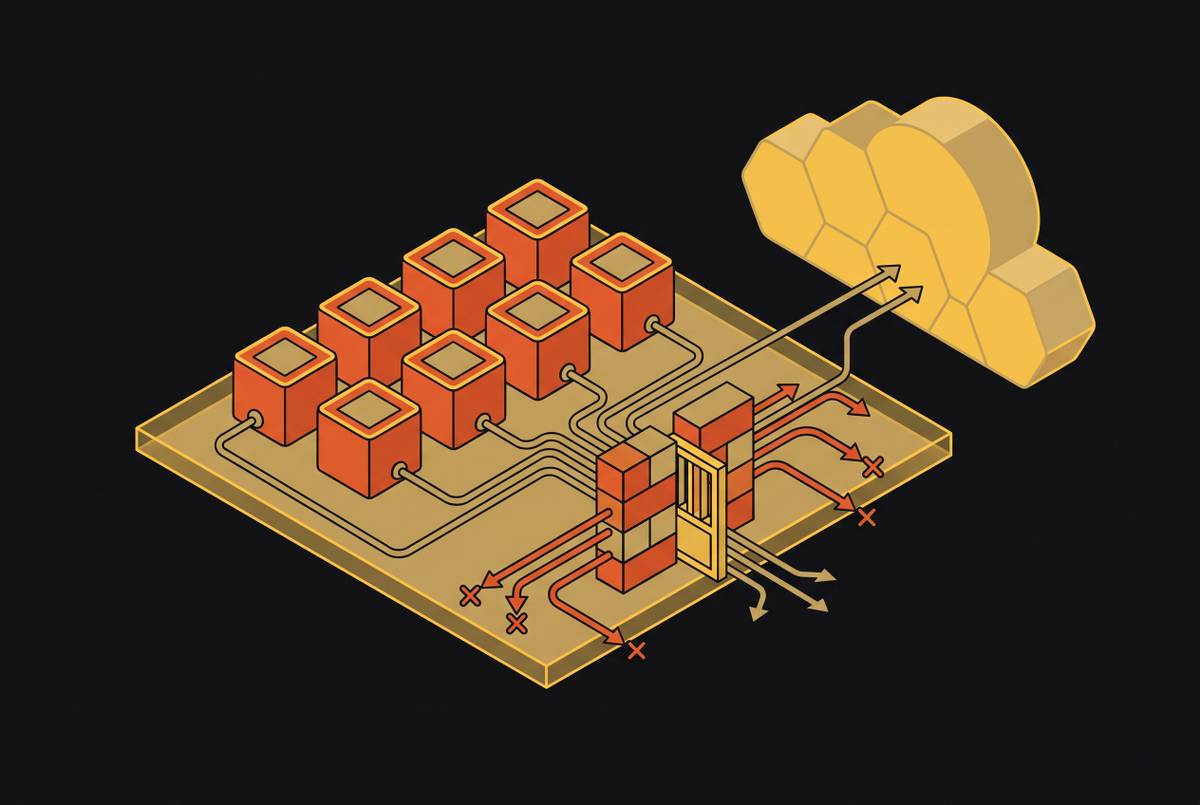
~/.sshand~/.aws/credentials, until you deny them. - Network: no direct route out. Traffic goes through a local proxy that checks each host against your allowed domains, a list that starts empty.
- Environment variables: inherited from Claude Code, secrets included, unless you list them under
sandbox.credentials.
On macOS it uses the built-in Seatbelt framework, so there is nothing to install. On Linux and WSL2 it needs bubblewrap and socat (sudo apt-get install bubblewrap socat on Ubuntu or Debian). On native Windows commands run unsandboxed; run Claude Code inside WSL2 to get the sandbox there.
Auto-allow or regular permissions
The panel offers two modes with the same boundary. Auto-allow runs a sandboxed command without asking, which is where the fewer-prompts benefit comes from. Deny rules, ask rules such as Bash(git push *) and deletions of critical paths still stop for you. Regular permissions keeps every prompt and adds the sandbox underneath.
Close the escape hatch
When a command fails inside the sandbox, Claude can ask to retry it outside, and depending on your permission mode that retry may run without a prompt. Two settings matter for anyone relying on the sandbox as a control: allowUnsandboxedCommands: false turns the retry off (the panel calls it strict sandbox mode), and failIfUnavailable: true makes Claude Code exit instead of quietly running unsandboxed when the sandbox cannot start.
{
  "sandbox": {
    "enabled": true,
    "allowUnsandboxedCommands": false,
    "failIfUnavailable": true,
    "network": {
      "allowedDomains": ["registry.npmjs.org", "api.github.com"]
    },
    "credentials": {
      "files": [
        { "path": "~/.aws/credentials", "mode": "deny" },
        { "path": "~/.ssh", "mode": "deny" }
      ],
      "envVars": [{ "name": "NPM_TOKEN", "mode": "deny" }]
    }
  }
}
Replace the domains with the registries and APIs your build really needs. To enforce a policy like this for every developer, deliver it through managed settings rather than asking people to copy it.
Check that it is working
Ask Claude (rather than typing it yourself) to run touch ~/sandbox-probe and curl --noproxy '*' https://example.com. Inside the sandbox the first fails with Operation not permitted on macOS or Read-only file system on Linux, and the second cannot resolve the host. Decline any offer to retry them outside the sandbox.
What the built-in sandbox leaves out
The built-in sandbox wraps shell commands only. These run with your normal access while it is on:
- Claude's own file and web tools (Read, Edit, Write, WebFetch, WebSearch), which follow permission rules instead. A
denyReadentry does not stop the Read tool. - Local MCP servers, command hooks, plugin monitors and LSP servers.
- Commands you type at the
!prompt, in most sessions, and commands matchingexcludedCommands.
That is why Anthropic's docs say the built-in sandbox on its own is not enough for fully unattended runs, and that --dangerously-skip-permissions sessions belong inside a container, a VM or the sandbox runtime, run as a non-root user.
The sandbox runtime: the whole process, no Docker
Anthropic's open-source @anthropic-ai/sandbox-runtime applies the same Seatbelt or bubblewrap isolation to an entire process. Install it with npm install -g @anthropic-ai/sandbox-runtime and start Claude Code with srt claude from the project directory; file tools, hooks and MCP servers are then inside the boundary too. Anthropic labels it a beta research preview whose configuration format may change.
It denies network access and most writes by default, so configure ~/.srt-settings.json first: writes to the project directory, ~/.claude, ~/.claude.json and the temp directory (/tmp on Linux, /private/tmp on macOS), and network access to api.anthropic.com, plus claude.ai and platform.claude.com if you sign in with OAuth. A missing settings file still starts with everything locked down, so a clean start does not prove your settings loaded.
Dev containers and custom containers
Anthropic publishes a reference dev container with a default-deny iptables firewall. Copy it into your repository, adjust the allowlist, base image and pinned Claude Code version, and the whole team opens the same isolated environment from VS Code or a compatible editor. Because the firewall blocks unapproved egress, Anthropic presents it as a setup that supports --dangerously-skip-permissions for unattended work. It is a convention, not enforcement: nothing stops a developer running Claude Code outside it.
Any Docker or OCI image works the same way with your own network policy, mounts and seccomp profile. Review what is mounted writable, which tokens are reachable inside, and what egress is allowed. You can layer the built-in sandbox inside the container, but in an unprivileged container it needs enableWeakerNestedSandbox, which Anthropic warns considerably weakens it, so treat the container as the real boundary.
Virtual machines and cloud sessions
A VM gives the agent its own kernel, the strongest separation on this list. Options range from cloud instances and local hypervisors to microVMs such as Firecracker. Docker Sandboxes packages a microVM with its own Docker daemon and workspace sync that can run Claude Code; check Docker's docs for current platform support and terms.
Claude Code cloud sessions run each session in an isolated VM that Anthropic manages. A network proxy enforces a default allowlist, and a separate proxy keeps your GitHub token outside the sandbox while handing scoped credentials in. They need a Claude subscription and, for GitHub repositories, a connected GitHub account; see Anthropic's page for which plans include them. OpenAI's counterpart for Codex is covered in our Codex Cloud guide.
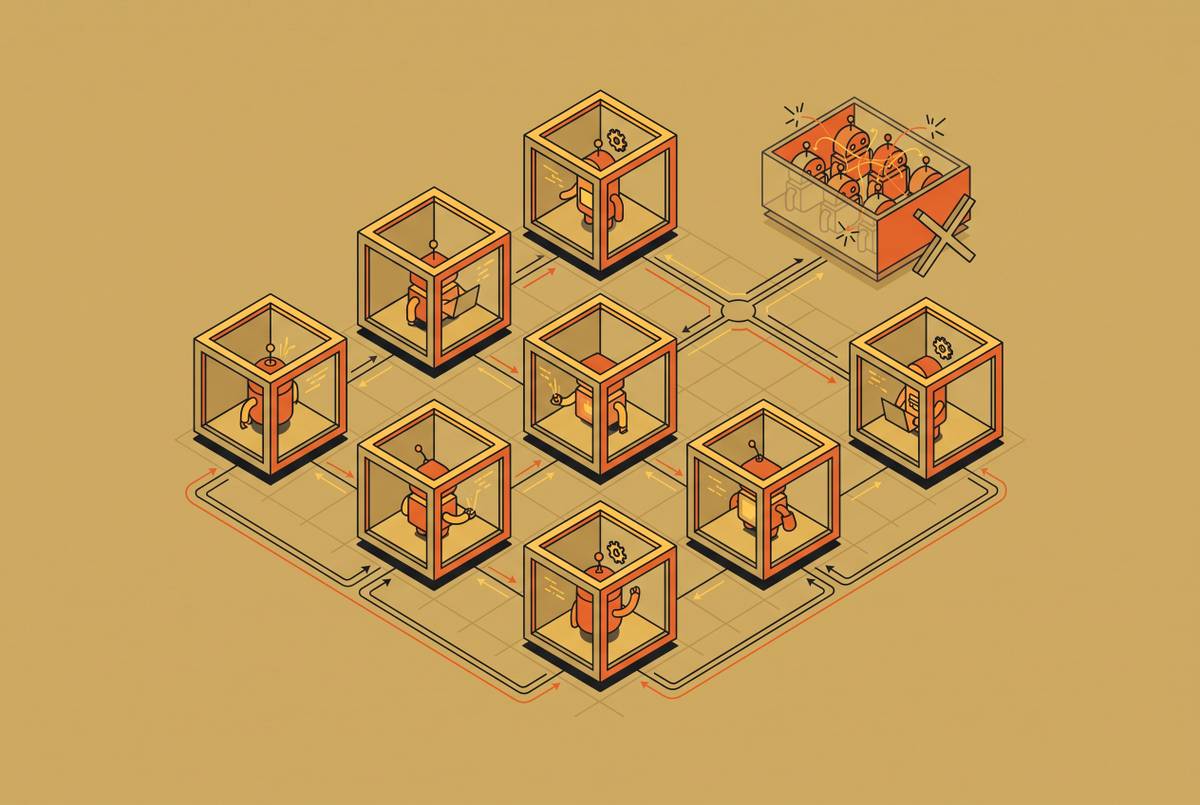
For teams running many agents at once, one VM per task is what keeps runs from poisoning each other. We cover the reasoning in why coding agents need isolated VMs instead of shared containers and the requirements in isolated VM requirements for reliable agent execution.
Which Claude Code sandbox to choose
- Fewer prompts while you watch: the built-in sandbox in auto-allow mode, with the retry turned off.
- Unattended runs or
--dangerously-skip-permissions: the reference dev container, any container or VM, or the sandbox runtime. - MCP servers and hooks fenced in, without Docker: the sandbox runtime.
- One standard setup for a team: the reference dev container, committed to the repository.
- Work from a device with no local setup: a cloud session.
- Native Windows: a container or VM, or the built-in sandbox inside WSL2.
What no sandbox fixes
- Allowed domains are an exit. The built-in proxy decides on the hostname and does not inspect TLS, so a broad entry such as
github.comcan carry data out. Keep the list to the hosts the task needs; our guide to network and egress controls for agent VMs goes further. - Sockets and broad write grants undo the boundary. Allowing
/var/run/docker.sockhands over the host; write access to$PATHdirectories or shell startup files lets code run later outside the sandbox. - Credentials inside are credentials exposed. Give the agent scoped, short-lived tokens rather than your own; see scoped VM credentials for coding agents.
- Isolation does not change what reaches the model.Prompts and the files Claude reads go to Anthropic's API or your configured provider either way.
- The project directory is still writable. Review the diff or pull request before anything merges.
Before you leave Claude Code running unattended
- Put the whole process behind a boundary: runtime, container, VM or cloud session.
- Run it as a non-root user.
- Start from deny-all egress and allow only the hosts the task needs.
- Mount nothing beyond the project; deny credential files and secret variables.
- Turn off unsandboxed retries and make a failed sandbox stop the run, if you also use the built-in sandbox.
- Have the work land as a branch or pull request a person reviews.
- Afterwards, check every path you kept writable for anything the session changed.